

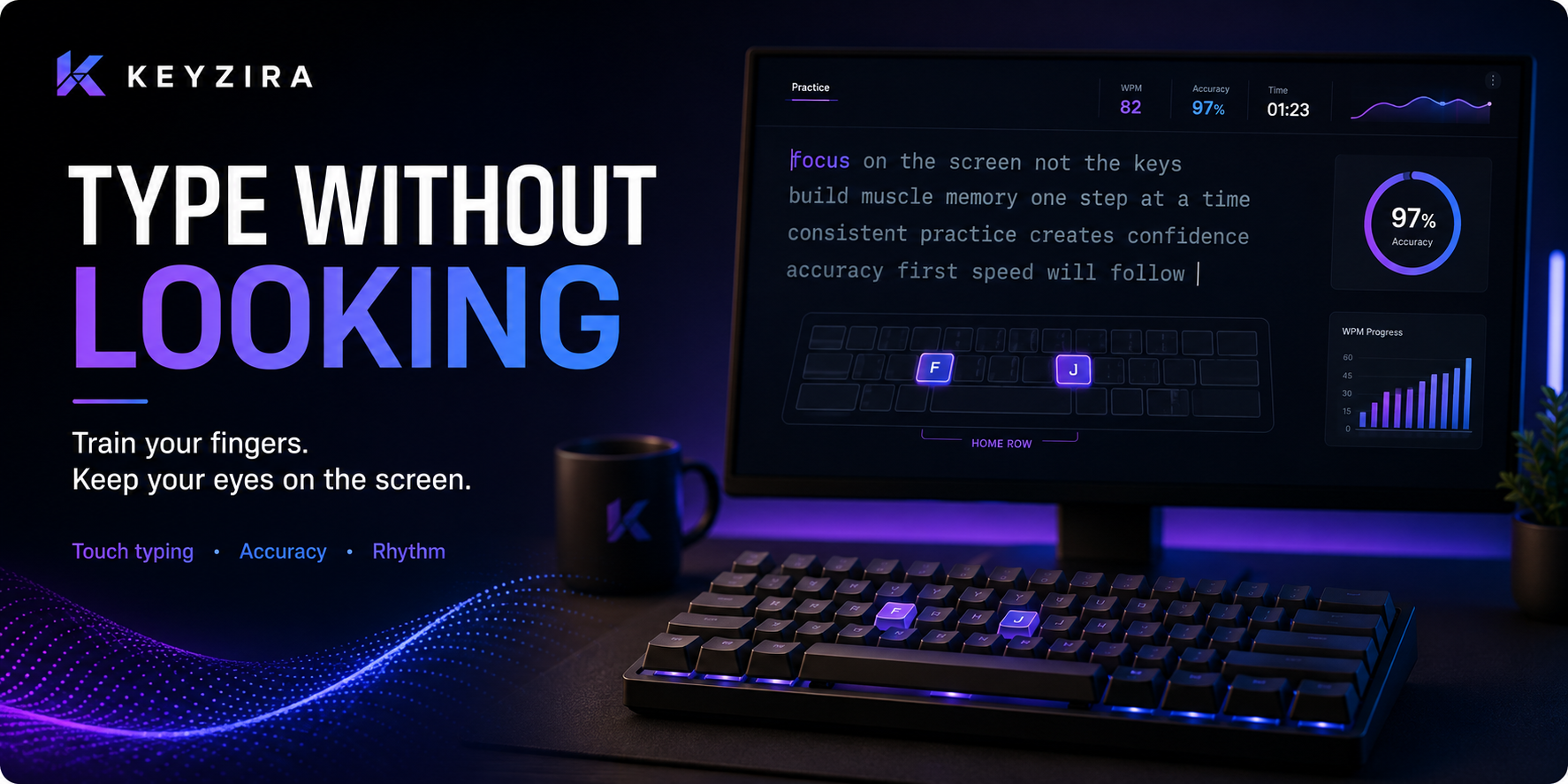
Learning to type without looking at the keyboard can feel surprisingly difficult at first.
Even if you already type fairly quickly, you may still glance down whenever you need:
- a less familiar letter,
- a number,
- punctuation,
- a special character,
- or a word that feels awkward.
The problem is that every glance interrupts your flow.
Your eyes move away from the screen, your brain searches for the key, and then you have to return your attention to the text.
The goal is not to memorize the entire keyboard in one session.
The real goal is to gradually teach your fingers where the keys are until finding them becomes automatic.
Why looking at the keyboard slows you down
When you constantly look down, typing becomes a visual search task.
Instead of:
read → type → continue
your process becomes:
read → look down → find key → type → look back up → continue
That creates small pauses.
One pause may not matter much, but hundreds of small pauses during a long typing session can significantly reduce your rhythm.
Typing without looking removes many of those interruptions.
Start with the home row
A good starting point is the home row.
On a QWERTY keyboard, the standard finger position is:
Left hand: A – S – D – F
Right hand: J – K – L – ;
Your index fingers rest on:
F and J
Many keyboards have small raised markers on these two keys.
You can use those markers to reposition your hands without looking down.
This is one of the most useful habits in touch typing.
If your hands lose position, do not immediately search visually.
Try finding F and J by touch first.
Learn key locations in small groups
Do not try to memorize every key at once.
Break the keyboard into sections.
For example:
Stage 1
Home row letters
Stage 2
Top row letters
Stage 3
Bottom row letters
Stage 4
Numbers and punctuation
This makes the learning process much easier.
When one section begins to feel automatic, move to the next one.
Slow down before trying to speed up
One of the biggest mistakes beginners make is trying to type at their normal speed while also learning not to look.
That often causes frustration.
Suppose you normally type:
55 WPM
while looking at the keyboard occasionally.
When you stop looking, your speed might drop to:
25–35 WPM.
That is normal.
You are replacing a visual habit with muscle memory.
For the first few sessions, prioritize:
correct key → correct finger → high accuracy
Speed comes later.
Use the correct finger for each key
Typing without looking becomes easier when each finger has a predictable area of responsibility.
If you use random fingers for the same key, your brain has to solve the movement differently every time.
Consistency makes the movement easier to remember.
For example, if one day you press the same key with your index finger and the next day with your middle finger, the movement pattern becomes less stable.
You do not need perfect technique immediately.
But try to make your finger choices increasingly consistent.
Keep your eyes on the screen
A simple exercise is to consciously keep your eyes on the text area.
If you make a mistake, resist the urge to immediately look down.
Instead:
- pause,
- feel your hand position,
- try the key again,
- only look down if you genuinely cannot recover.
This gradually teaches your brain to solve the problem using position and touch rather than vision.
Covering the keyboard can help
Some learners find it useful to temporarily block their view of the keyboard.
You can:
- place a light cloth over your hands,
- use blank keycaps,
- position a small cover above the keyboard,
- or simply avoid lowering your head.
You do not need to do this permanently.
The purpose is to remove the easy option of visually searching for keys.
However, do not turn the exercise into frustration.
If you are completely lost, check the keyboard and reset your hand position.
Practice common words first
Start with words that use familiar keys.
Examples:
- and
- the
- time
- good
- work
- keyboard
- typing
- faster
Common words are useful because you can focus on the movement instead of thinking about spelling.
As those movements become automatic, move toward less familiar vocabulary.
Do not stare at individual letters
Another useful habit is to read slightly ahead.
Instead of thinking:
t → y → p → i → n → g
try to recognize:
typing
as one unit.
Experienced typists often process words and letter groups rather than consciously thinking about every individual key.
This helps create smoother movement.
Build muscle memory through repetition
Typing without looking is largely a motor skill.
At first, your brain may consciously ask:
Where is R?
After enough repetition, your finger moves to R automatically.
This transition happens gradually.
You may first remember common letters automatically while still searching for less frequent ones.
That is completely normal.
The important part is giving your fingers enough correct repetitions.
Practice difficult letter combinations
Sometimes the problem is not one key.
It is the transition between two or three keys.
For example, you may type each of these letters easily alone:
t
h
r
but struggle with:
thr
in words like:
through
Practice the full movement rather than only the individual letters.
Useful combinations may include:
- th
- ing
- tion
- er
- re
- ou
- ly
Targeted practice helps smooth out transitions.
Reduce keyboard glances gradually
You do not need to go from:
looking constantly
to:
never looking
in one day.
A more realistic progression might be:
Week 1
Try not to look for easy words.
Week 2
Avoid looking for all letters, but allow occasional checks.
Week 3
Only look for numbers or punctuation.
Week 4
Try full tests without looking.
Gradual improvement is easier to maintain.
Accuracy comes before speed
If you stop looking at the keyboard and your accuracy falls dramatically, slow down.
For example:
60 WPM / 82% accuracy
is not necessarily better practice than:
40 WPM / 98% accuracy.
The slower result may be building much better movement patterns.
Once you can maintain high accuracy without looking, increase the pace gradually.
Use short practice sessions
You do not need to practice for hours.
A 10–15 minute session can be enough.
For example:
3 minutes: home-row practice
4 minutes: common words
4 minutes: difficult combinations
4 minutes: normal typing test
Short sessions help you stay focused.
Once your attention drops, you are more likely to return to old habits.
Do not panic when you make a mistake
When learning to type without looking, mistakes are expected.
The worst response is:
mistake → panic → look down → rush → make another mistake
Instead:
mistake → pause → correct → continue
The ability to recover smoothly is an important typing skill.
Use the F and J markers to reset
If your hands drift away from the correct position, use the raised F and J markers.
Without looking:
- locate the raised markers,
- place index fingers on F and J,
- return the other fingers to the home row,
- continue typing.
This prevents small hand-position errors from turning into repeated mistakes.
Should you memorize the keyboard layout?
Not like studying a picture.
You do not need to sit down and consciously memorize:
“Q is here, W is here, E is here…”
The goal is physical memory, not visual memory.
Typing the keys correctly over and over teaches your fingers much more effectively than staring at a keyboard diagram.
A diagram can help at the beginning, but actual practice builds the skill.
Why do some keys take longer to learn?
Some keys are used less often.
That means your fingers get fewer opportunities to practice them.
You may easily type:
E, T, A, O
but hesitate on:
Q, X, Z
or punctuation.
That does not mean your technique is failing.
Less common keys simply require more intentional practice.
Should you look at the keyboard when using numbers?
At first, probably yes.
Numbers and symbols often take longer to learn because many people use them less frequently.
You can treat the number row as a separate stage.
Once your letter typing feels comfortable, spend a few minutes practicing:
- numbers,
- parentheses,
- punctuation,
- symbols.
Do not let difficulty with symbols stop you from learning letter positions.
What if I already type fast with two fingers?
You can still learn to type without looking.
However, changing your method may temporarily reduce your WPM.
Suppose you currently type:
70 WPM
using an unconventional technique.
When switching to structured touch typing, you may drop significantly.
That does not automatically mean the new technique is worse.
Your old method has years of practice behind it.
The new method needs time to catch up.
Can you type without looking without using all ten fingers?
Yes.
Some people develop their own typing technique and still rarely look at the keyboard.
Touch typing and strict ten-finger technique are related, but they are not exactly the same thing.
However, using more fingers efficiently can make it easier to reduce unnecessary hand movement and build consistent patterns.
The best method is one that gives you:
comfort + accuracy + consistency + useful speed.
How long does it take to stop looking at the keyboard?
There is no fixed timeline.
Some users notice improvement within days.
For others, replacing years of keyboard-looking habits can take weeks or months.
Progress usually happens in stages:
first: common keys become automatic
then: common words become automatic
then: you look down less often
finally: looking at the keyboard starts to feel unnecessary
Do not judge the process only by your WPM.
How can you measure progress?
You can track more than speed.
Ask yourself:
- How many times did I look at the keyboard?
- Which letters still make me hesitate?
- Is my accuracy improving?
- Can I type longer without losing position?
- Is my WPM becoming more stable?
A useful goal might be:
Complete a 60-second test without looking at the keyboard.
Once you can do that comfortably, work on increasing your speed.
A simple daily exercise
Try this 15-minute routine:
Minutes 0–3: home-row and hand-position practice
Minutes 3–7: common words without looking
Minutes 7–10: difficult keys and combinations
Minutes 10–15: full typing test
During the final test, keep your eyes on the screen.
If you need to look down once or twice, that is fine.
Try to reduce that number over time.
Why typing without looking improves rhythm
When your eyes stay on the screen, the typing process becomes more continuous.
You can:
read ahead → type → continue reading
instead of repeatedly switching your attention between two locations.
That makes it easier to maintain a steady pace.
A smoother rhythm can eventually help improve your WPM as well.
Do not force yourself through discomfort
Typing practice should not cause pain.
Keep your hands relaxed and avoid pressing keys harder than necessary.
If your wrists or fingers become uncomfortable, stop and take a break.
Good typing technique should become easier and more natural over time, not physically painful.
Final thoughts
Typing without looking at the keyboard is not something you learn by forcing yourself to memorize every key.
You build it gradually through repetition.
The basic process is:
learn hand position → use consistent fingers → look at the screen → practice slowly → build accuracy → increase speed.
Your WPM may temporarily drop.
That is normal.
As key positions become automatic, your attention can stay on the screen and your typing becomes smoother.
With Keyzira, you can use the Typing Speed Test to practice without looking, Personal Training to focus on keys and words that cause hesitation, and your Statistics to see whether your accuracy and speed improve over time.