

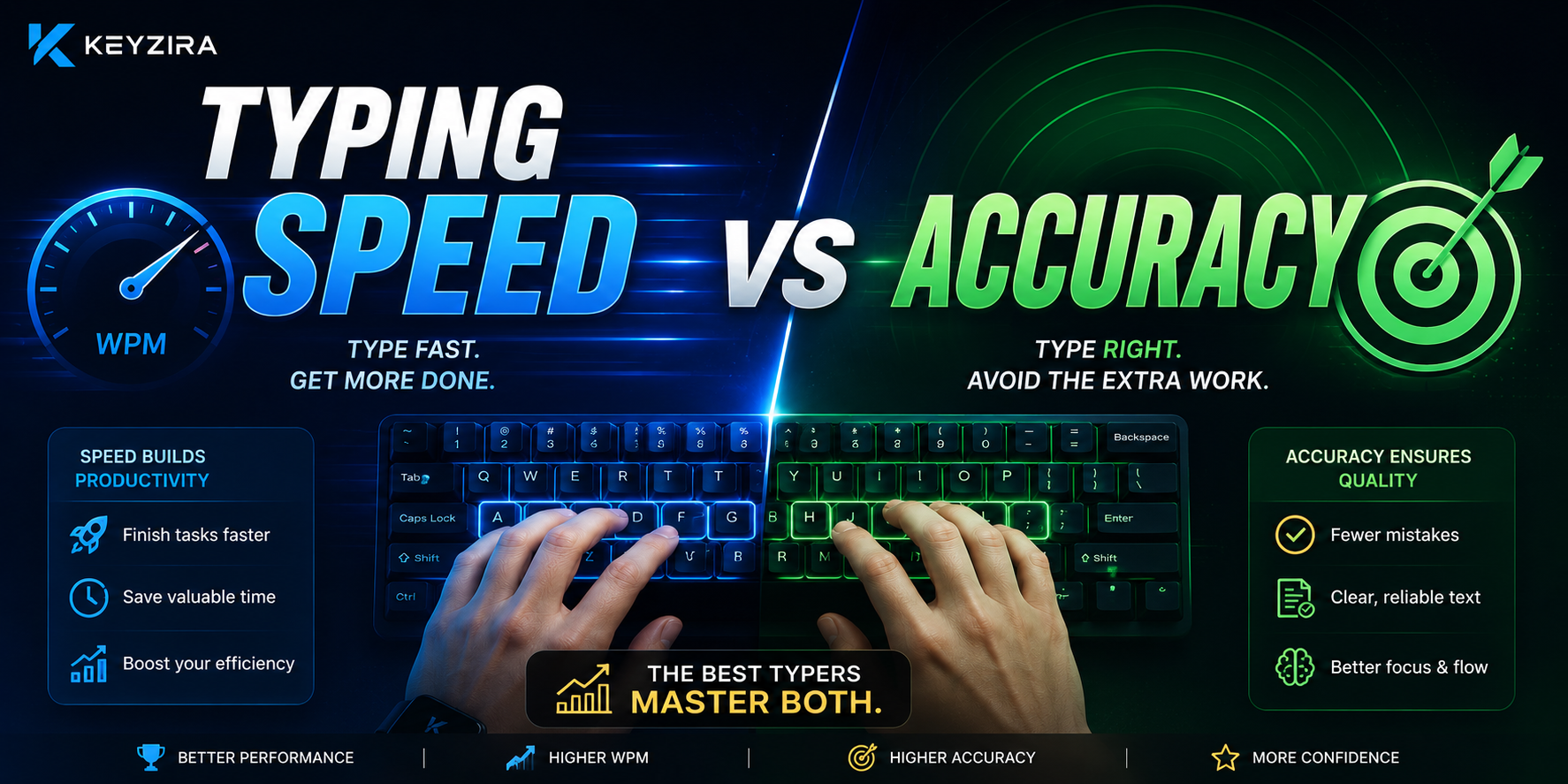
When people take a typing test, the first number they usually notice is their words per minute (WPM) score.
Typing at 80 WPM looks better than typing at 60 WPM.
Typing at 100 WPM looks even more impressive.
But there is another number that matters just as much:
accuracy.
If you type very quickly but make frequent mistakes, your actual performance may be lower than your WPM score suggests.
So which matters more?
Typing speed or accuracy?
The best answer is:
You need both, but when improving your technique, accuracy should usually come first.
What does typing speed measure?
Typing speed is usually measured in WPM — words per minute.
WPM gives you an estimate of how quickly you can enter text.
For example:
- 35 WPM → developing speed
- 55 WPM → comfortable for everyday use
- 75 WPM → fast
- 100+ WPM → advanced
WPM is useful because it gives you a clear number that you can track over time.
However, that number alone does not tell you whether the text was typed correctly.
What does accuracy measure?
Accuracy shows how much of what you typed was correct.
For example:
98% accuracy
This means only a small portion of your input contained errors.
85% accuracy
This means mistakes occurred much more frequently.
Two people may have similar WPM scores while producing very different amounts of usable text.
That is why accuracy should always be considered alongside speed.
A simple example
Compare these two results:
Typist A
82 WPM
88% accuracy
Typist B
72 WPM
98% accuracy
Typist A has the higher raw typing speed.
But if Typist A constantly needs to:
- press Backspace,
- correct spelling mistakes,
- reread sentences,
- rebuild their typing rhythm,
the real advantage may be much smaller.
Typist B may actually complete usable text more efficiently.
Why do mistakes waste more time than they seem to?
A typing mistake is not just one incorrect key press.
In real typing, the process often looks like this:
Notice the mistake → stop → go back → delete → correct it → continue
That interruption can break your rhythm.
If you make one mistake every few sentences, the effect may be small.
If you make several mistakes on every line, your effective speed can drop significantly.
This is why improving accuracy can indirectly make you faster.
Should beginners focus on accuracy first?
Usually, yes.
When learning touch typing or changing your typing technique, correct repetitions matter.
If you repeatedly press the wrong keys while trying to maximize speed, you may reinforce inefficient movements.
For a beginner, typing:
30 WPM at 98% accuracy
may build a stronger foundation than forcing:
45 WPM at 82% accuracy.
Once your movements become reliable, increasing speed becomes much easier.
Does that mean you should always type slowly?
No.
If you only practice at a very slow pace, your maximum speed may never improve.
The goal is not:
Accuracy instead of speed.
The goal is:
Accuracy first, then controlled speed.
For example, if you can comfortably type:
55 WPM / 98% accuracy
try increasing your speed to:
60 WPM
while keeping your accuracy close to the same level.
Once that feels comfortable, increase the pace again.
What is a good accuracy percentage?
There is no universal rule, but for many users, a practical target is to stay somewhere in the mid-to-high 90% range.
For example:
97–99% accuracy
usually indicates fairly controlled typing.
If your accuracy repeatedly drops below 90% whenever you try to increase your WPM, you are probably pushing beyond your current level of control.
Slow down slightly and stabilize your technique first.
Do you always need 100% accuracy?
No.
Trying to achieve 100% accuracy on every test may make you overly cautious.
You may slow yourself down significantly because you are afraid of making even a single mistake.
That is not ideal either.
A productive practice pace should feel:
Fast enough to challenge you, but controlled enough to avoid constant mistakes.
Occasional errors are normal.
What matters is preventing them from becoming your default typing pattern.
Why does accuracy decrease when you type faster?
As your speed increases, you have less time to consciously control every movement.
If your fingers have not fully learned a particular key transition, typing faster exposes that weakness.
For example, you may be able to type:
typing
perfectly at 50 WPM, but start producing:
tyipng
when pushing toward 80 WPM.
The problem is not necessarily the word itself.
Your fingers may simply not be able to perform that movement sequence reliably at the higher speed yet.
Targeted repetition can help close that gap.
Rhythm connects speed and accuracy
Typing smoothly is often more important than typing in short bursts.
Consider this pattern:
easy word → 100 WPM pace
difficult word → complete stop
easy word → rush
mistake → stop again
The final score may still look good, but the session feels unstable.
Now compare that with a steady:
70 WPM from beginning to end.
The second typist may produce cleaner text with less mental effort.
A consistent rhythm supports both speed and accuracy.
Why accuracy matters even more in longer tests
A 15-second test allows you to sprint.
You may reach a very high WPM before mistakes begin to accumulate.
A 60-second or 120-second test is different.
You need to maintain:
- concentration,
- rhythm,
- accuracy,
- speed
for a longer period of time.
Repeated mistakes become much more costly.
That is why longer typing tests can reveal whether your speed is actually sustainable.
Does using Backspace affect your real typing speed?
Absolutely.
Suppose you are typing at 90 WPM before corrections.
But you make enough mistakes that you spend a significant amount of time using Backspace.
Your actual productive speed may be closer to 75 WPM.
This is why raw key speed should not be confused with usable typing speed.
The cleaner your first attempt is, the less time you need to spend fixing it.
Which matters more for work?
For most real-world tasks, accuracy is extremely important.
Think about:
- emails,
- reports,
- customer support messages,
- code,
- legal documents,
- data entry.
A small typing mistake can create additional work later.
In some situations, an error can even change the meaning of what you wrote.
Speed matters, but reliable text is often more valuable.
What about competitive typing races?
Competitive typing changes the balance slightly.
In typing races, you often need to move closer to your maximum speed.
But even there, uncontrolled mistakes can cost you the match.
For example, in a 1v1 typing race:
Player A: 95 WPM / 90% accuracy
Player B: 86 WPM / 98% accuracy
Depending on how mistakes are handled, Player B may have the stronger practical performance.
That is why Keyzira's Duel mode is not only about typing as fast as possible. Maintaining control under pressure matters too.
How should you improve speed and accuracy together?
A useful practice session can include both accuracy-focused and speed-focused sections.
For example:
5 minutes — Accuracy practice
Type at a comfortable pace and try to make as few mistakes as possible.
5 minutes — Difficult words
Practice the words or character combinations that repeatedly cause errors.
3 minutes — Speed push
Type slightly faster than your normal pace.
2 minutes — Final test
See whether you can maintain both your WPM and accuracy at the same time.
This creates a more balanced practice session than simply repeating random tests again and again.
Use mistakes as information
A mistake is useful if you learn something from it.
Do not look only at your final accuracy percentage.
Ask:
Which words did I miss?
Maybe you repeatedly struggle with words such as:
- separate
- necessary
- rhythm
- accuracy
- improvement
That pattern tells you what you should practice next.
Keyzira's Personal Practice mode can help turn repeated mistakes into targeted exercises.
What if my WPM drops when I focus on accuracy?
That is normal.
Suppose your previous result was:
75 WPM / 89% accuracy
and after slowing down you achieve:
67 WPM / 98% accuracy.
At first, you may feel slower.
But you now have a much stronger foundation.
Your next target becomes:
70 WPM / 98% accuracy
Then:
75 WPM / 97–98% accuracy.
Eventually, you can return to your previous speed with much better control.
What if my accuracy is already very high?
If you consistently achieve:
98–100% accuracy
while feeling comfortable, you may be ready to push your speed.
Increase your target slightly.
For example:
65 WPM → 70 WPM
Do not immediately jump from:
65 → 100 WPM.
Small increases make it easier to preserve the technique that created your high accuracy in the first place.
Personal best or consistent performance?
Breaking a personal record is exciting.
But what if your scores look like this?
72
71
74
73
102
72
Your best score is:
102 WPM
But your normal level is closer to:
72–74 WPM.
The 102 WPM result may show your maximum potential under ideal conditions.
Your average shows what you can produce reliably.
Good typing performance is not just about reaching a number once.
The goal is to make that level repeatable.
Why you may improve accuracy before WPM
Progress in typing does not always happen in a straight line.
You may spend a week with almost no increase in typing speed while your accuracy improves from:
93% → 98%.
That can still be significant progress.
As your finger movements become smoother, you may suddenly find it easier to increase speed.
Improvements in accuracy often create the foundation for future WPM gains.
Should you restart a test after making a mistake?
Usually, no.
If you restart every time you make a mistake, you only learn how to perform perfect beginnings.
Real typing skill includes recovering from errors.
Instead, practice:
make a mistake → correct it → regain your rhythm → continue
Learning to recover smoothly is useful for both everyday typing and competitive races.
Accuracy matters differently at different skill levels
Beginner
Focus especially on accuracy and correct movement.
Intermediate
Maintain accuracy while increasing rhythm and speed.
Advanced
Focus on preserving accuracy at very high WPM levels.
The balance changes as you improve.
But accuracy never becomes irrelevant.
A better goal than “I want to type 100 WPM”
Instead of setting only a speed target:
I want to reach 100 WPM.
Try:
I want to reach 80 WPM while maintaining at least 97% accuracy.
That creates a more meaningful goal.
You are not simply trying to move faster.
You are trying to become faster without losing control.
How can Keyzira help you measure both?
A useful typing platform should not make WPM the only visible metric.
With Keyzira, you can compare:
- WPM,
- accuracy,
- incorrect words,
- test history,
- personal records,
- performance over time.
This gives you a better picture of your typing ability than a single number.
Final thoughts
So, which matters more: typing speed or accuracy?
If you have to choose while learning:
Accuracy comes first.
But the real goal is not to choose one forever.
Strong typing combines:
speed + accuracy + rhythm + consistency.
A very high WPM score with constant mistakes means the job is not really finished.
Perfect accuracy at an unnecessarily slow pace can also be limiting.
The best typists gradually increase the speed they can sustain without losing control.
Use Keyzira's Typing Speed Test to measure both your WPM and accuracy, work on repeated mistakes with Personal Practice, and use your Statistics to see whether your faster typing becomes more consistent over time.